27 Mar 2026
Post by Callie
Introduction
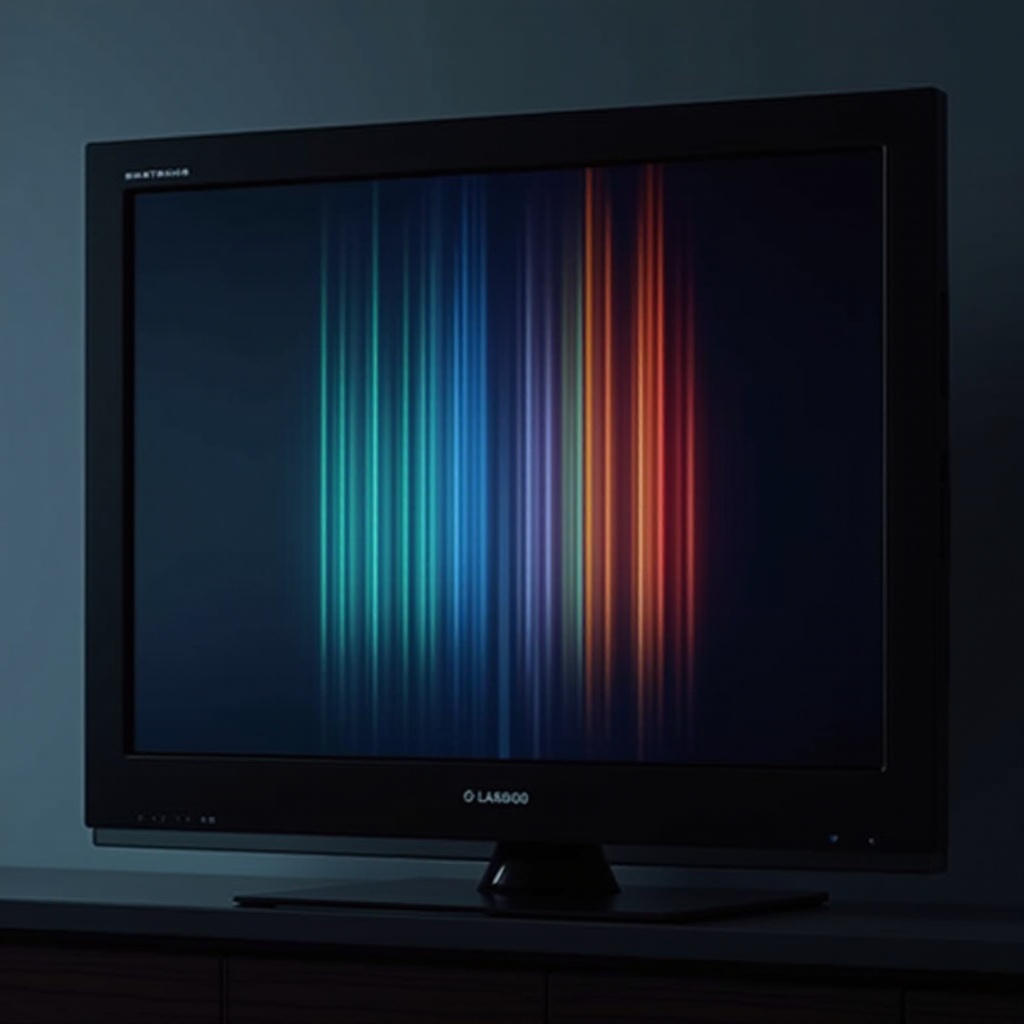
Experiencing colored lines on your TV screen disrupts your viewing experience and can signal underlying issues. These lines might arise from simple connection problems or more complicated internal faults. Tackling the problem promptly can prevent further damage and maintain your TV’s performance. This detailed guide equips you with the necessary knowledge to identify the causes, solutions, and preventative steps for colored lines on your television.
Understanding the Causes of Colored Lines
Pinpointing why colored lines appear is crucial for resolving the issue effectively. Here are the common causes:
-
Cable Connection Issues: A loose or damaged cable might interfere with signal transmission, resulting in colored lines. Regularly inspect your cables to ensure they are properly connected, and replace any that show signs of wear.
-
External Device Malfunction: Devices like gaming consoles or Blu-ray players can sometimes be the source of the problem. Test your television with different devices to identify if any one device is the culprit.
-
Internal Hardware Faults: Faults inside the TV such as a defective display panel or a faulty motherboard can lead to colored lines. In such scenarios, contacting a professional technician is advisable.
Both identifying and understanding these common causes set the stage for addressing them with effective solutions.
Basic Troubleshooting Steps
Once you suspect the cause of the issue, you can apply these basic troubleshooting measures:
-
Ensure all cables connecting your TV to other devices or power sources are secure. Replace any that are damaged or exhibit signs of wear.
-
Switch between different input sources like HDMI or AV to ascertain if the problem persists across different connections. This method may pinpoint if a specific input or device is at fault.
-
Perform a power cycle by turning off the TV, unplugging it, and waiting a minute before plugging it back in. This simple step can resolve minor glitches affecting the display.
By methodically checking these components, you can often isolate and correct the source of the problem without advanced interventions.
Advanced Solutions and Techniques
Should basic troubleshooting fail, further strategies may be necessary:
-
Access the TV’s settings menu to conduct a diagnostic check or reset display settings. Refer to your TV manual for precise guidance.
-
Ensure your TV software is updated to the latest version. Manufacturers often release updates that fix display issues. If required, conduct a factory reset to restore original settings, resolving persistent errors.
-
For suspected hardware faults, seek professional repair. A certified technician can accurately diagnose and fix internal issues, safeguarding against exacerbating the problem.
These advanced techniques should be approached with care. When in doubt or if potential damage might occur, contacting a professional is often the best choice.
Brand-Specific Tips
Different TV brands might have unique troubleshooting procedures. Here are some insights for popular brands:
-
Samsung TV users can leverage their built-in self-diagnosis tool available in the menu to identify and correct screen issues.
-
LG TVs might have specific reset sequences to address such problems effectively. Consult your user manual for detailed instructions.
-
For Sony TVs, ample online resources and dedicated customer support channels provide solutions tailored to their products.
Brand-specific strategies can enhance your troubleshooting process, especially under warranty or brand-specific service agreements.
Prevention and Maintenance Tips
Prevention can save you from dealing with colored lines in the future. Here’s how to keep your TV in optimal condition:
-
Regularly check for and install software updates to enhance functionality and prevent technical glitches.
-
Ensure proper installation in a well-ventilated space to avoid overheating. Regularly clean the screen and vents to maintain performance.
Through consistent maintenance and careful operation, you can extend the lifespan of your TV, ensuring a clear and enjoyable viewing experience free from colored interruptions.
Conclusion
Colored lines on a TV screen pose a significant distraction but are often fixable through targeted troubleshooting and regular maintenance. Understand the causes, apply proven fixes, and practice preventative care to help manage and preempt such issues, thus ensuring your TV remains a reliable source of entertainment.
Frequently Asked Questions
Why does my TV have colored lines?
Colored lines can result from cable issues, malfunctioning external devices, or internal hardware faults.
Are colored lines on a TV screen a permanent issue?
Not always. Many issues causing colored lines can be resolved with troubleshooting or professional repairs.
Should I repair or replace my TV if it shows colored lines?
It depends on the cause and repair cost. If the repair is costly or the TV is old, replacement might be more economical.