5 Dec 2025
Post by Callie
Introduction
Linking your Wii controller is a key step to unleash the full potential of your Nintendo Wii console. Playing solo or enjoying a multiplayer session depends greatly on having your controller properly connected. This guide will take you through the linking process, troubleshooting common issues, and provide tips to enhance your gaming experience for long-term enjoyment.
Understanding Wii Controllers
Knowing the types of available controllers and their specific features will aid in successful connection efforts.
-
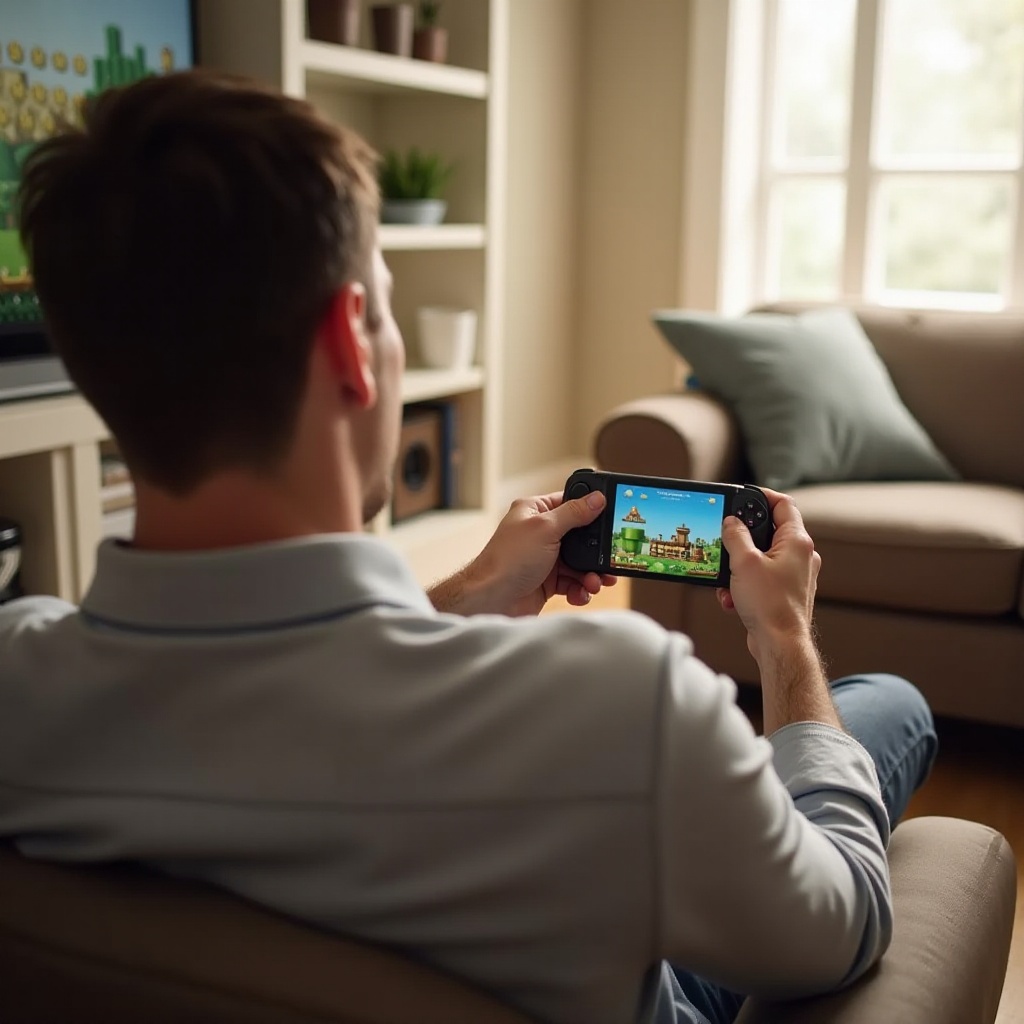
Types of Wii Controllers: The Wii Remote is the standard controller for the Nintendo Wii, with options such as the Nunchuk and Classic Controller acting as additional accessories. Each controller type has specific features; for instance, the Wii Remote features motion-sensing technology, integral to many games.
-
Features and Compatibility: Understanding controller compatibility with different Wii games is crucial. Some games require specific controllers, while others offer flexibility in terms of controller options. This knowledge will ease the connection process.
With a firm understanding of your controller options, you’re now ready to prepare your console and controller for connection.
Preparing Your Wii Console and Controller
Proper preparation of your devices is essential before linking them together.
-
Checking Equipment and Power Status: Ensure that your Wii console is properly powered and that your controller has fresh batteries. This reduces the risk of disconnection or sync failures.
-
Gathering Necessary Accessories: Depending on your unique needs, you may require items such as sensor bars or connectors. Having all necessary accessories on hand before starting ensures a smoother setup process.
With everything gathered and checked, let’s dive into the connecting process.
Step-by-Step Guide to Connecting Your Wii Controller
Here’s a clear, step-by-step method to connect your Wii controller:
-
Powering On the Console: Start by turning on your Wii console and ensuring it’s fully operational.
-
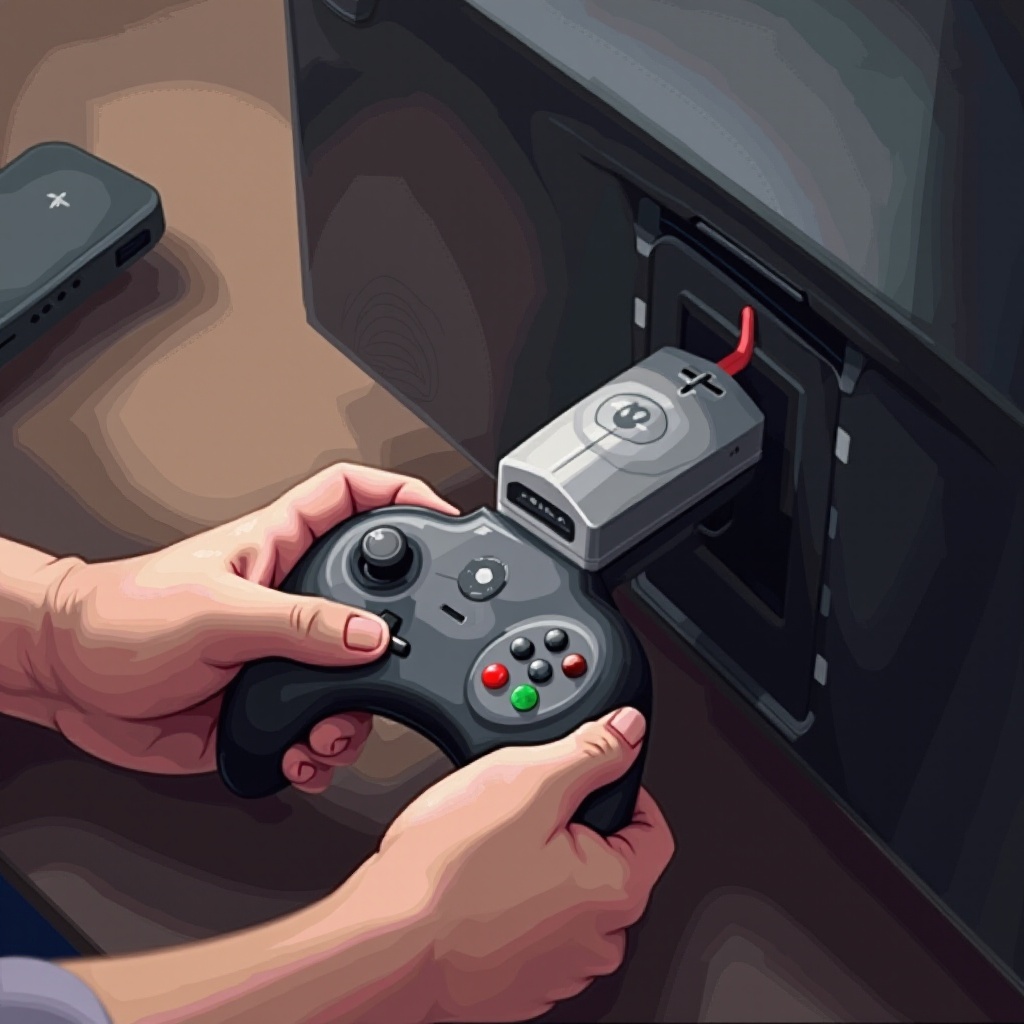
Accessing the Sync Button: Locate the sync button behind the console’s SD Card slot. It is a small red button that plays a crucial role in the syncing process.
-
Syncing the Wii Remote with the Console:
- Press the sync button on your Wii console.
- Open the battery cover on the Wii Remote and press the red sync button.
- Wait for the controller’s LED lights to stop blinking; this indicates successful syncing.
After following these steps, your controller should be ready for use. Should challenges arise, the next section offers troubleshooting advice.
Troubleshooting Connection Issues
From unresponsive controllers to syncing multiple devices, here are solutions to common problems:
-
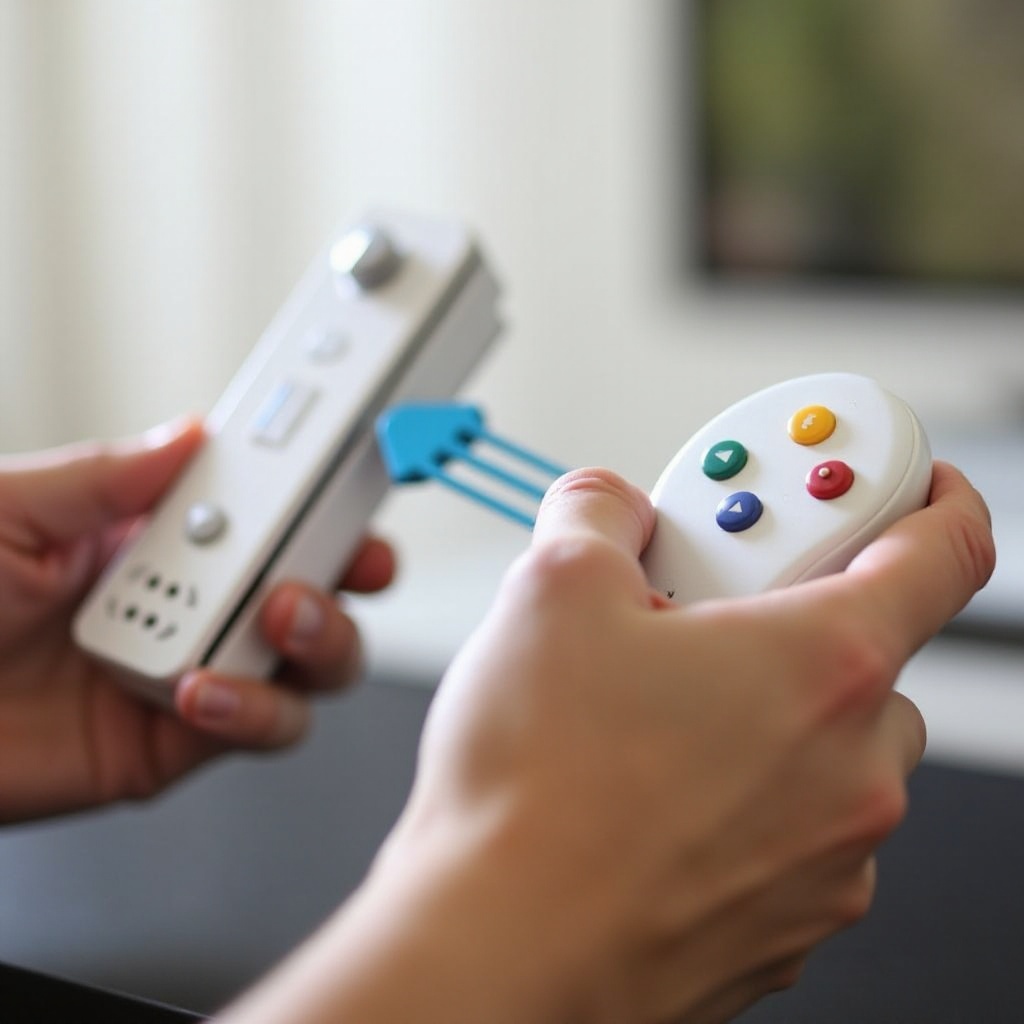
Handling Unresponsive Controllers: Ensure batteries are fresh and correctly installed. If the issue persists, hold down the sync button longer to reset the connection.
-
Syncing Multiple Controllers: For multiplayer games, sync each controller separately using the same steps. Repeat the syncing process for each device.
-
Resetting the Connection: If syncing fails, power down both the console and controller, then repeat the syncing steps.
With these solutions, most syncing problems can be resolved so you can return to gaming quickly.
Enhancing Your Gaming Experience
After successfully connecting your controllers, consider ways to enhance your gaming setup:
-
Maintenance Tips for Wii Controllers: Keep controllers clean and free from damage. Regularly changing batteries and proper storage can prolong their lifespan.
-
Exploring Additional Accessories: Accessories like motion plus add-ons or steering wheels can enrich your gaming experience by providing improved control and new gameplay sensations.
Consider these enhancements to enjoy a more immersive and hassle-free Wii gaming journey.
Conclusion
Successfully linking your Wii controller is a simple task when these steps are followed correctly. Knowing how to troubleshoot effectively prevents unnecessary gaming interruptions. With your controllers correctly linked, you are all set to enjoy the various entertaining games Wii has to offer.
Frequently Asked Questions
How do I sync a second Wii Remote?
To sync a second Wii Remote, follow the same syncing steps separately for each controller. Ensure each is synced individually for a proper connection.
What do I do if my Wii Remote won’t connect?
Check that the batteries are fresh and properly installed. Restart the console and attempt to sync again. If issues persist, move to a different area to eliminate interference.
Can I use a Wii U GamePad with the Wii?
The Wii U GamePad is not compatible with the original Wii console as it is designed exclusively for use with the Wii U system.