2 Jan 2026
Post by Callie
Introduction
Knowing how to open your Samsung TV can be a valuable skill, especially when you’re faced with minor technical issues or need to inspect internal components. This guide provides you with a detailed, step-by-step process to open your TV safely and effectively, saving you time and potentially costly repairs. Let’s dive right in and get started.
Preparing Your Workspace and Tools
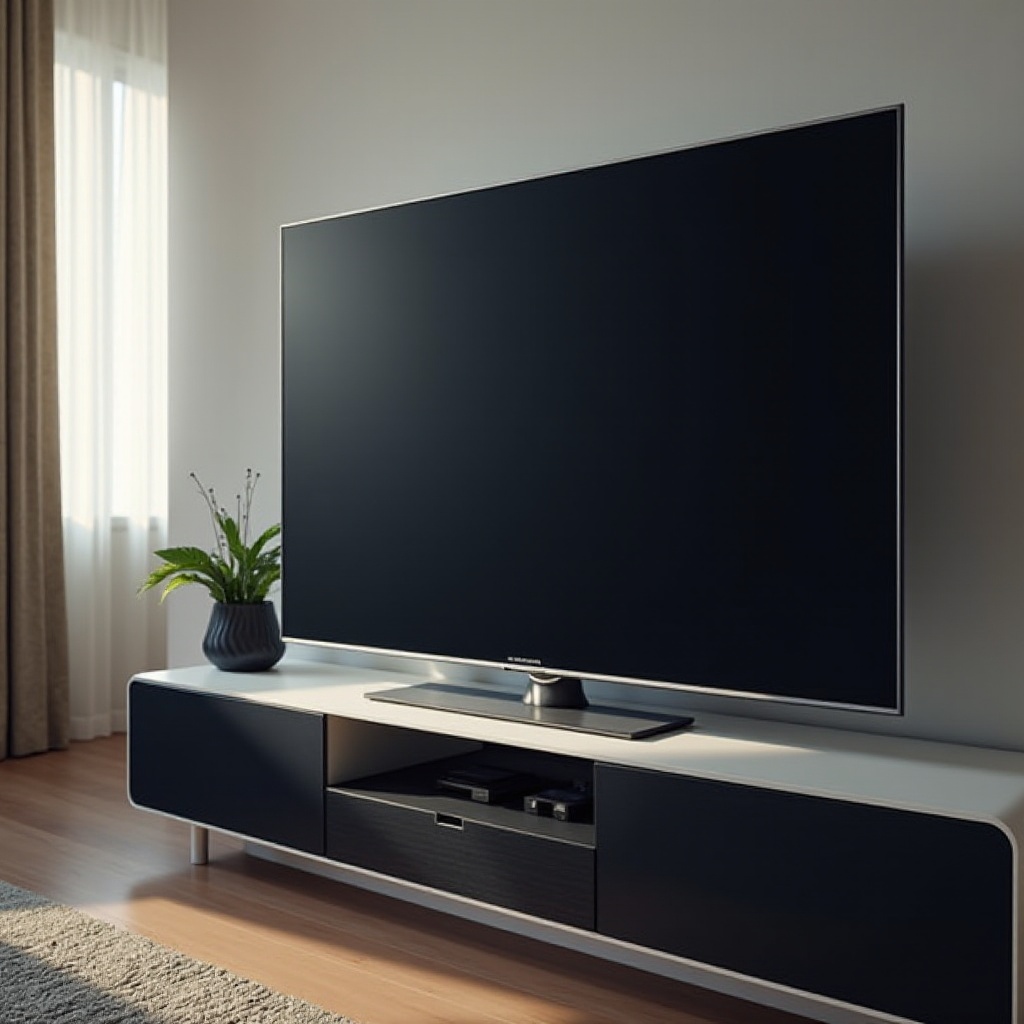
Before you start working on your Samsung TV, setup and preparation are key. Make sure you have everything you need to ensure a smooth process.
-
Essential Tools for the Job: Start by gathering a set of screwdrivers, a soft cloth, and plastic prying tools. These are crucial for safely opening your TV without causing any damage.
-
Setting Up a Safe and Clean Work Area: Arrange for a spacious and stable work area. Use a clean, clutter-free space which minimizes the risk of misplacing parts and protects your TV from scratches or debris.
With your tools ready and workspace arranged, let’s proceed to understand the internal construction of Samsung TVs.
Understanding the Construction of Samsung TVs
To access your Samsung TV’s internal components, it’s beneficial to understand its basic construction layout. This helps in navigating the internals more effectively.
-
Common Components in Samsung TV Models: Most Samsung TVs contain components like circuit boards, power supply units, and various connectors. Knowing these elements aids in proper handling during the process.
-
Differences in Design Across Various Models: While there is a basic design shared across Samsung TVs, specific models might have unique layouts. Always check your model’s manual for specific instructions and differences.
Having understood these elements, you are now ready to begin the process of opening your Samsung TV.
Step-by-Step Guide to Opening a Samsung TV
Now that you’re familiar with the tools and components, let’s go through the process step by step.
-
Unplugging and Securing Your TV: Begin by disconnecting your TV from all power sources. Lay it face down carefully on your prepared work surface, ensuring the screen is protected by a soft cloth or towel.
-
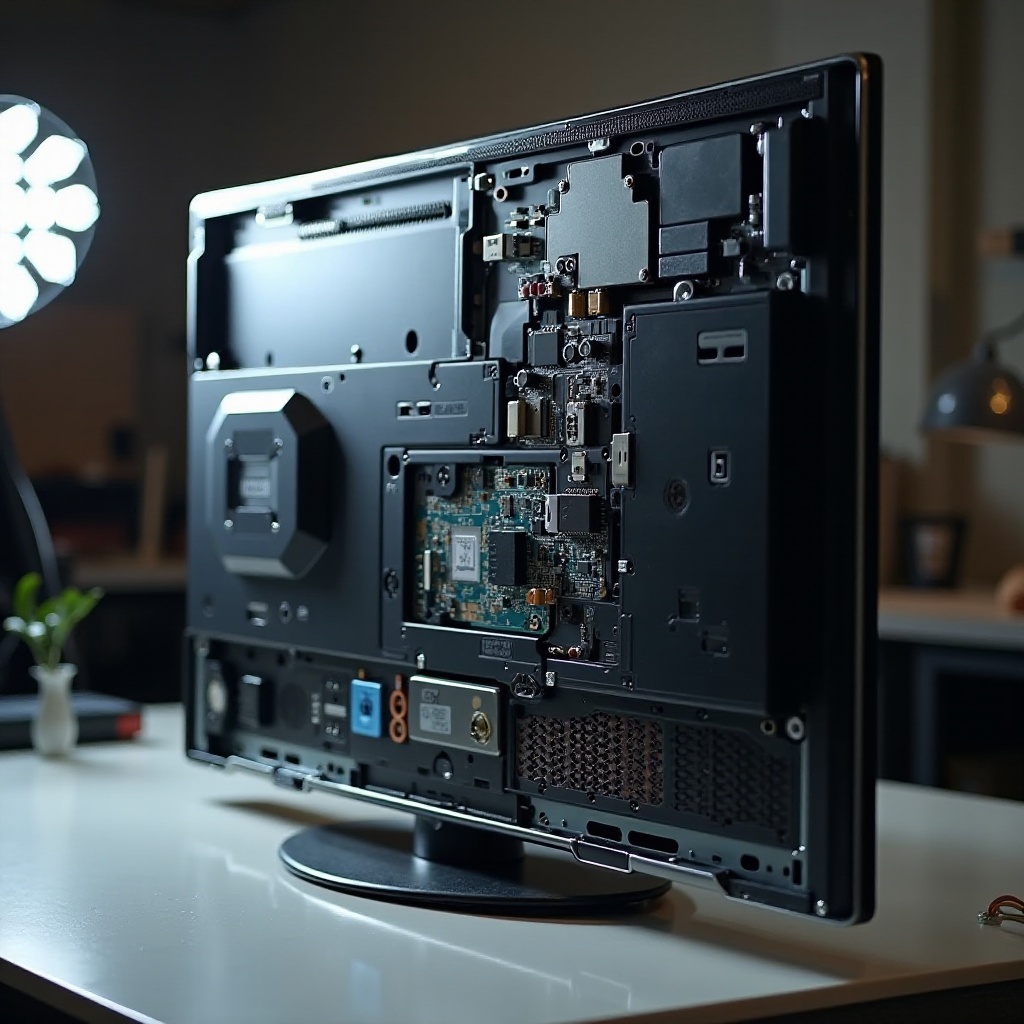
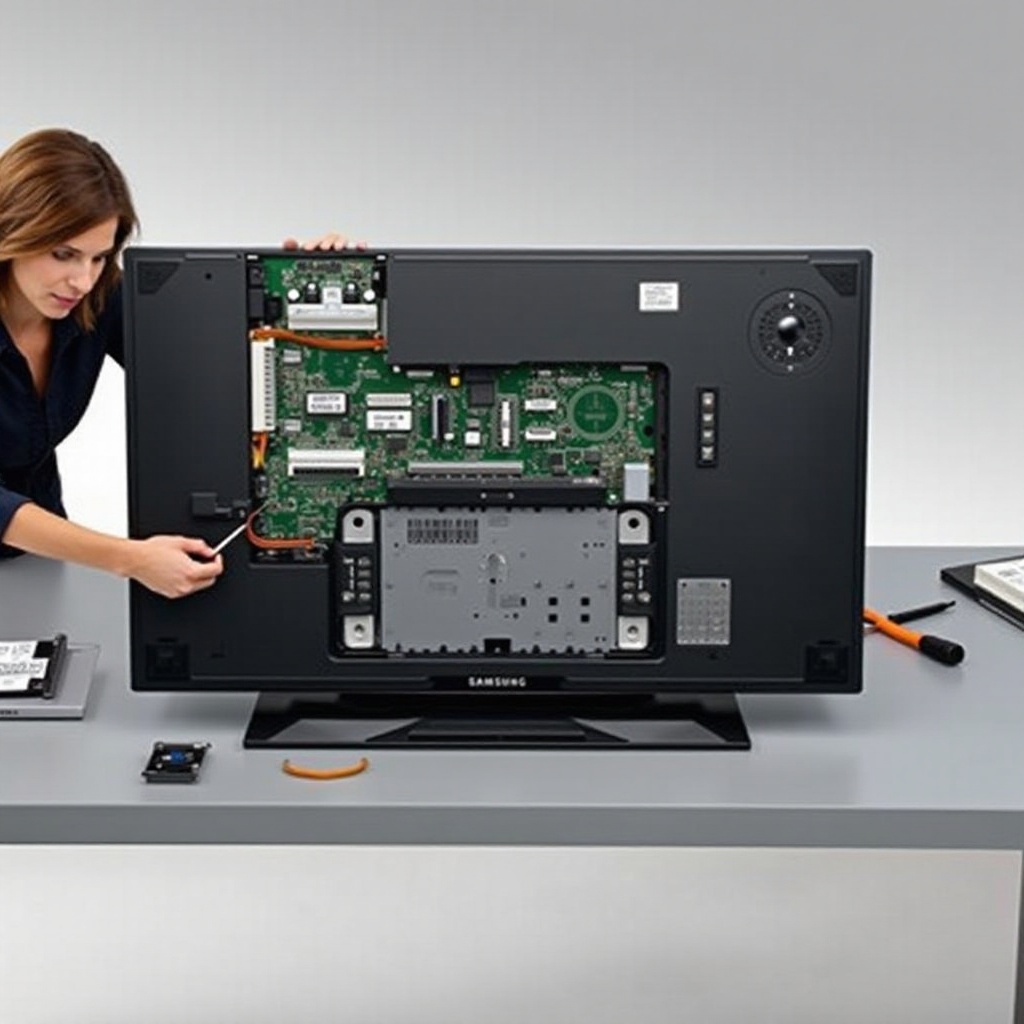
Removing the Back Panel: Use a suitable screwdriver to gently remove the screws securing the back panel. Keep these screws in a secure place for later use.
-
Identifying Internal Components: Once the back panel is off, locate major components like circuit boards and cables. Taking a photo before proceeding can be a helpful reference for later reassembly.
By following these detailed steps, you can access the internals safely and prepare for any troubleshooting or minor repairs needed.
Troubleshooting and Basic Repairs
After opening your TV, you might find issues or need to carry out small repairs. Here are some tips to guide you.
-
Identifying Common Issues: Look out for loose cables, burnt components, or anything that appears out of place. These are the usual suspects when dealing with TV issues.
-
Simple Repair Techniques: Basic actions like reconnecting loose cables or cleaning dusty components can solve many common issues. Always proceed gently to prevent further damage.
After addressing any identified issues, it’s time to reassemble your TV, ensuring it is ready for use once again.
Reassembling and Testing Your TV
Once repairs or inspections are complete, reassembling your Samsung TV properly ensures it functions optimally.
-
Ensuring Secure Reassembly: Carefully place all components back, aligning them with their respective screw locations. Refer to the photo you took earlier if needed.
-
Conducting a Functional Test: Stand the TV upright, reconnect all cables, and power it on. Verify its functionality by checking screen display and input responsiveness.
Completing these steps properly concludes the process, ensuring your TV is back in its best shape.
Conclusion
Opening a Samsung TV requires careful consideration, preparation, and attention to detail. With this guide, you’ve learned how to safely navigate the process and perform minor troubleshooting. Always prioritize safety, and remember that professional help is available should you encounter significant issues.
Frequently Asked Questions
Is it safe to open my Samsung TV by myself?
Yes, with the right tools and precautions, it’s safe. Follow all steps carefully and handle components gently.
What tools do I need to open a Samsung TV?
Essential tools include a screwdriver set, soft cloth, and plastic prying tools. These are necessary for safely opening and handling TV components.
How can I tell if an internal component is damaged?
Look for visual signs such as loose cables, burnt areas, or unusual sounds. After reassembly, a functional test will help confirm the status of the components.