13 Mar 2026
Post by Callie
Discovering if your Beats headphones can double as a microphone for your PS4 can be an intriguing option for gamers looking to streamline their setup. Known for their premium sound quality and iconic design, Beats headphones have garnered a strong following among music enthusiasts. But can they really serve as a functional mic for gaming? This comprehensive guide provides a step-by-step method on how to use Beats headphones as a microphone with a PS4 console, evaluating its feasibility and potential enhancements for an optimal gaming experience.
Understanding Beats Headphones and PS4 Compatibility
Knowing whether Beats headphones can function as a microphone on the PS4 requires a close look at their technical specifications compared to the PS4’s requirements. Although Beats are not primarily designed for gaming, their high-quality audio features make them a temptation for gamers.
Overview of Beats Headphone Features: Known for powerful bass and sleek design, Beats headphones also come with built-in microphones, typically intended for calls. However, they vary in compatibility with gaming consoles such as the PS4.
PS4 Audio and Microphone Requirements: For a headset to work as a mic on the PS4, it needs a dedicated microphone input and compatibility with the console’s audio settings. This means not all headphones can be used directly without adjustments.
Understanding these specifications is crucial before diving into the setup process, setting the stage for our next section.
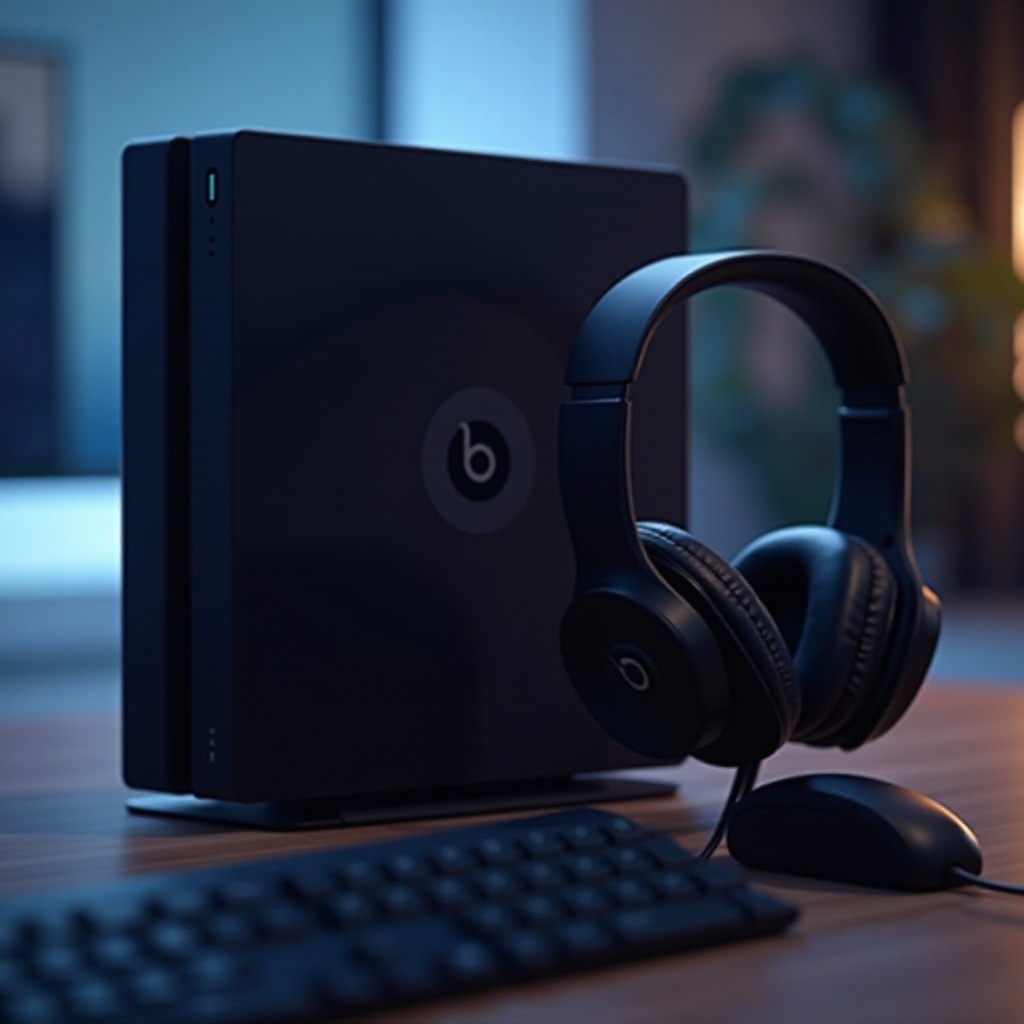
How to Connect Beats as a Microphone on PS4
The process of connecting Beats headphones to the PS4 as a microphone is relatively simple but needs careful attention to details. Here’s a guide to get started:
- Step-by-Step Connection Process:
- Connect your Beats headphones to the PS4 controller using the 3.5 mm audio cable.
- Go to the PS4’s Settings menu and select ‘Devices.
- Choose ‘Audio Devices’ and adjust ‘Output to Headphones’ and ‘Output Device’ to ‘Headset Connected to Controller.
-
Ensure ‘Output to Headphones’ is set to ‘All Audio’ for optimal sound.
-
Common Setup Issues and Solutions:
- If the microphone isn’t working, check the setting in ‘Audio Devices’ for microphone levels.
- Ensure that the 3.5 mm jack is properly connected.
- Restarting your PS4 can help solve random connectivity issues.
After establishing a connection, assessing the performance will provide insights into how well Beats headphones measure up against dedicated gaming headsets.
Evaluating Audio and Mic Performance
Once connected, the next crucial step is evaluating how Beats perform as both headphones and a microphone on PS4. This involves testing mic clarity, sound depth, and overall gaming enhancement.
Testing Beat’s Microphone Quality on PS4: To evaluate the microphone’s effectiveness, participate in voice chats and solicit feedback from fellow gamers on sound clarity and any existing issues like noise distortion.
Comparison with Dedicated Gaming Headsets: Unlike gaming headsets engineered for precise in-game audio communication, Beats may fall short in terms of directional sound and microphone clarity. Although Beats provide exceptional sound output, the mic may not perform at par with those found on gaming headsets equipped with noise-cancelling features.
For those willing to invest in some adjustments, there are ways to optimize and potentially enhance your setup to improve performance.
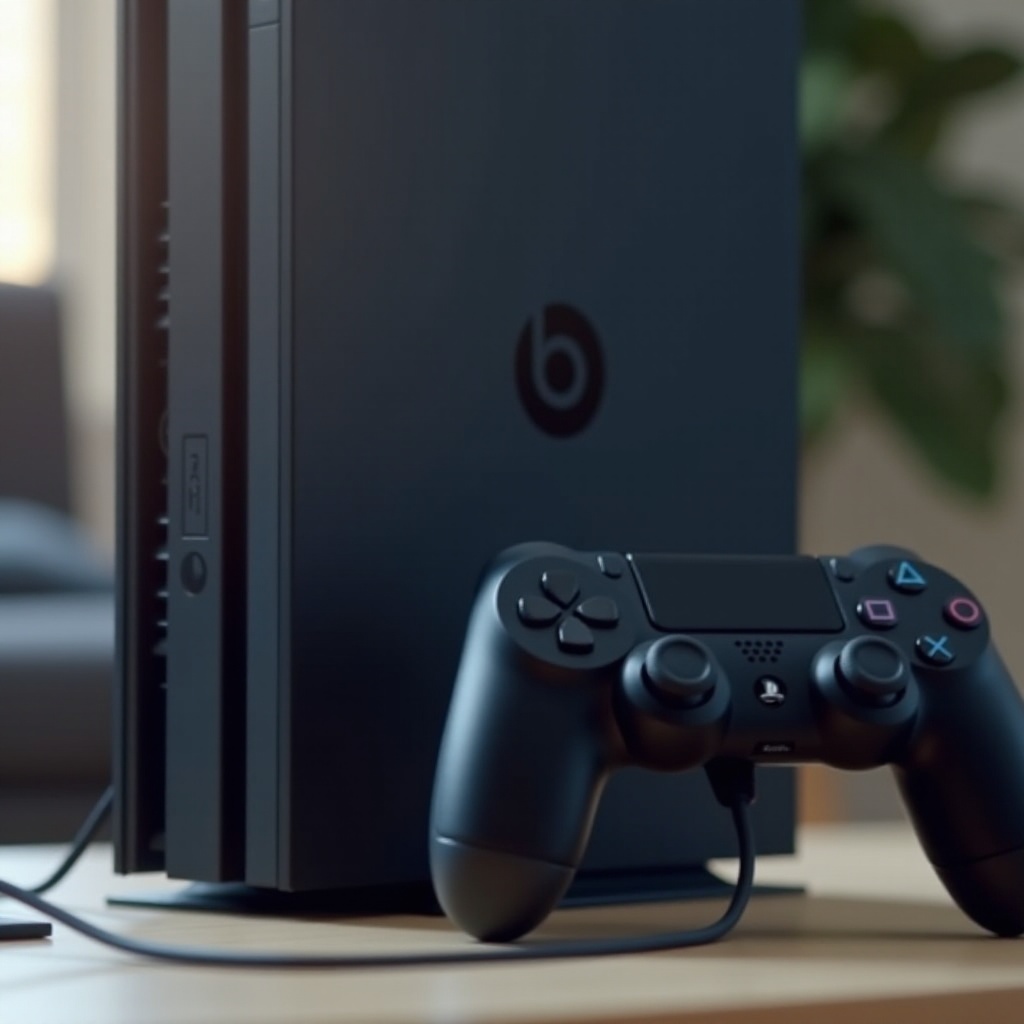
Enhancing Your Gaming Experience
Should the performance of Beats on PS4 not fully meet your needs, there are additional adjustments and accessories to explore that can enhance your gaming encounters:
Accessories and Adapters for Better Compatibility: Using a microphone audio splitter can effectively separate audio outputs and inputs for clearer communication. Alternatively, a Bluetooth adapter could provide a wireless experience, although potential latency should be considered.
Custom Audio Settings Optimization: Adjust the PS4’s audio settings and use the Beats app for equalizing the sound to get the best gaming experience. Fine-tuning these settings can promote improved clarity and balance for an immersive environment.
Even with these enhancements, it’s wise to have alternate solutions prepared in case these setups don’t meet expectations.
Conclusion
While Beats headphones can serve as an occasional microphone solution on PS4, their use as a gaming headset may not fully substitute for devices specifically designed for that purpose. For regular gaming, investing in a high-quality gaming headset can prove worthwhile for superior audio and microphone capabilities. Nonetheless, with the right setup, Beats can deliver a satisfactory performance, making them a viable option for casual gaming sessions.
Frequently Asked Questions
Can all models of Beats headphones work as a mic on PS4?
Not all models are compatible. The effectiveness depends on each model’s microphone design and the compatibility with PS4’s hardware.
Do I need additional accessories for optimal performance?
Using accessories like an audio splitter or Bluetooth adapter can help improve performance by ensuring proper signals.
What are some recommended alternatives if Beats don’t work well?
Consider gaming-specific brands like SteelSeries, Razer, or HyperX for headsets designed with console compatibility in mind.