10 Apr 2026
Post by Callie
Introduction
Experiencing issues with your Wii console? Technical glitches can put a damper on your gaming excitement. Whether it’s a disc error or connectivity problem, addressing these issues quickly can enhance your gaming experience. This guide is designed to help you identify and solve common Wii console problems with ease, paving the way for an uninterrupted gaming adventure.
Identifying Common Wii Console Issues
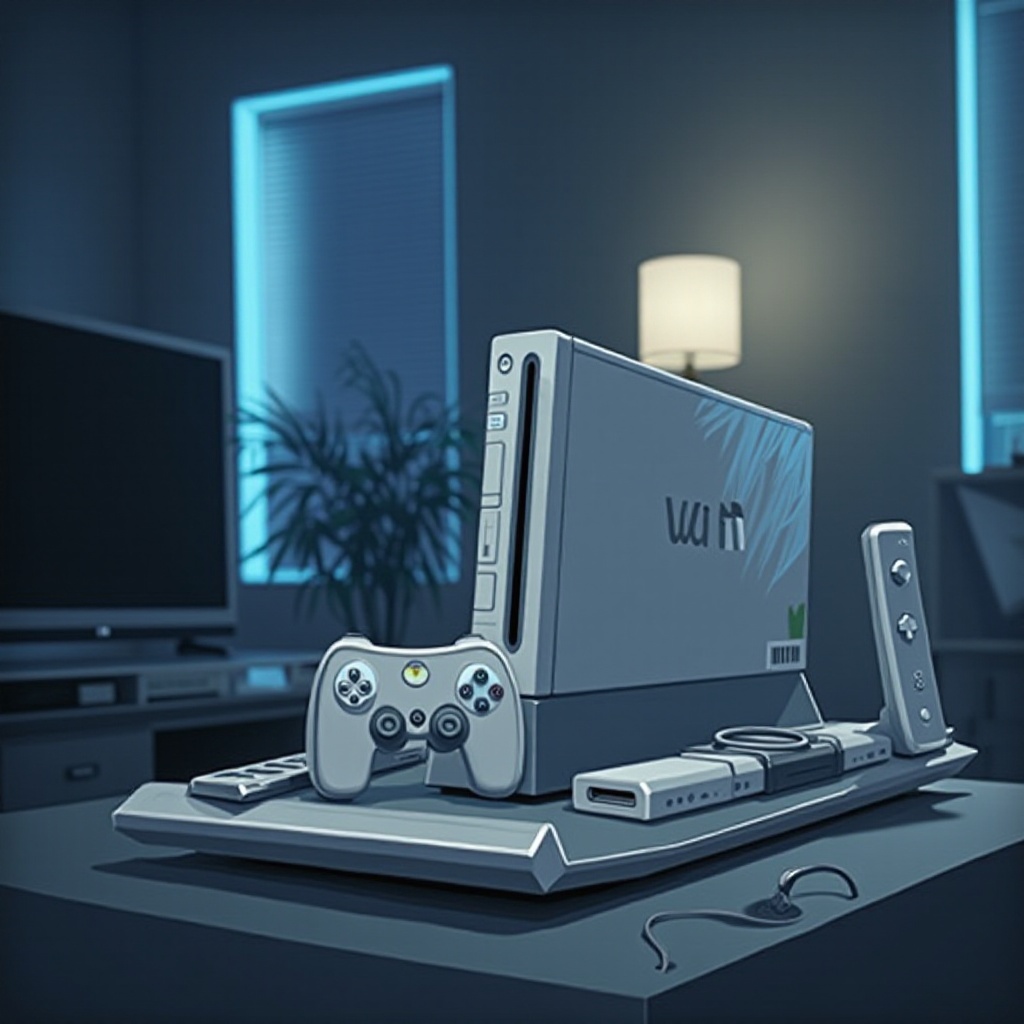
Before diving into solutions, it’s important to pinpoint the exact issue with your Wii console. Recognizing the problem early can save time and effort when troubleshooting.
- Disc Reading Errors: These often occur due to dirty or scratched discs or a faulty disc drive.
- Power Supply Problems: Issues might include the console not powering on or unexpectedly shutting down during use.
- Remote Connectivity Issues: Problems like difficulty in syncing or maintaining the connection with the Wii Remote can hamper gameplay.
Knowing these common issues will prepare you for troubleshooting them effectively.
Troubleshooting Disc Reading Errors
Disc reading errors can abruptly halt gameplay, but they can often be fixed with a few simple steps.
- Cleaning the Disc and Lens: Use a soft cloth to clean the disc, wiping from the center toward the edges. Use a lens cleaning kit to clean the console’s lens.
- Checking Disc Compatibility: Make sure the disc is NTSC compatible if you are in North America, as incompatible formats may cause errors.
- Inspecting for Scratches and Damage: Check the disc in the light to spot scratches. You can buff out minor scratches with a specialized kit.
If these methods don’t work, you might need professional help to check the disc drive.
Resolving Power Supply Problems
Power issues can render your console unusable. Understanding how to diagnose these problems is crucial.
- Ensuring Proper Power Connection: Double-check all cable connections. Unplugging and replugging can ensure a good connection.
- Testing Different Power Outlets: Try using another outlet to rule out problems with the current power source.
- Replacing the AC Adapter: If your Wii won’t power on with different outlets, the AC adapter could be faulty and might need replacement.
With the power issue resolved, you can get back to gaming without interruptions.
Fixing Remote Connectivity Issues
A non-responsive Wii Remote can ruin game time. Ensuring it stays connected is essential.
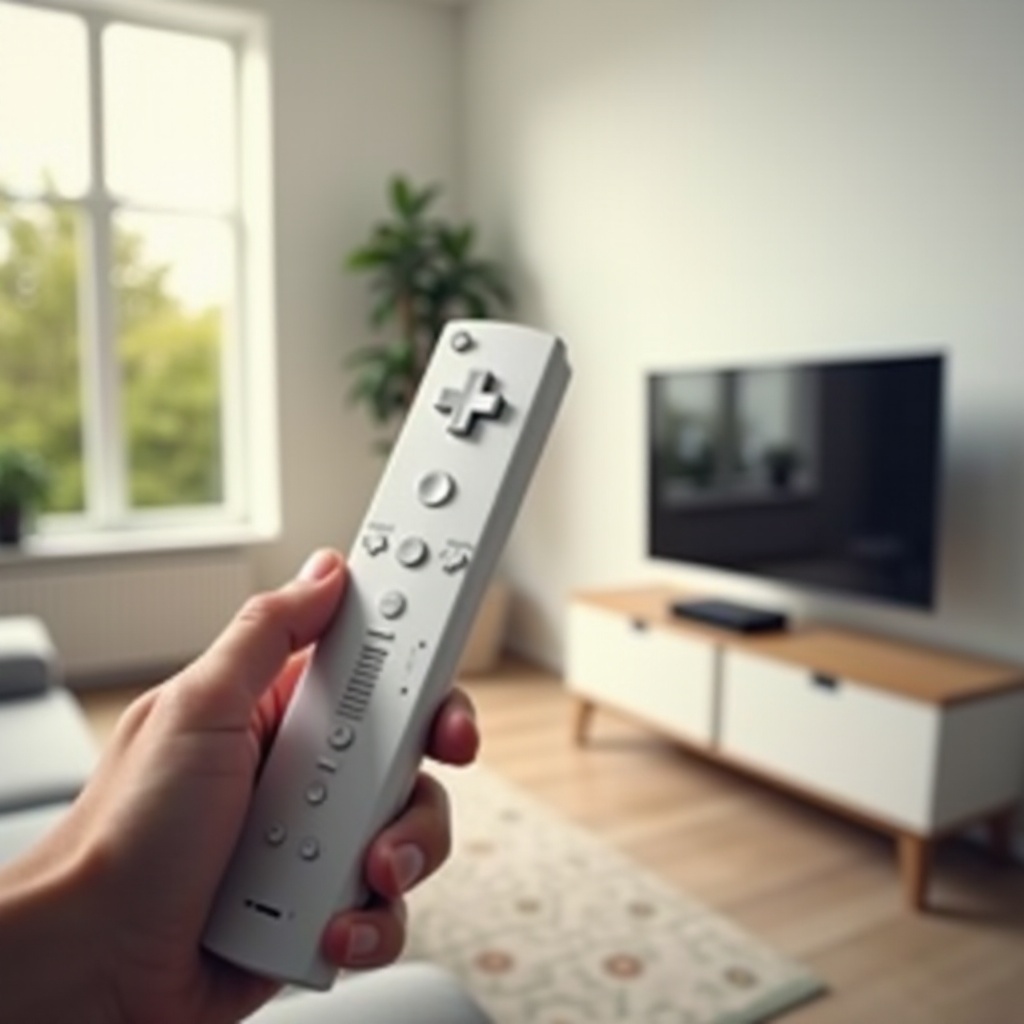
- Resyncing the Wii Remote: Press the SYNC button inside the Wii’s SD card slot, then press the SYNC button on the remote.
- Replacing or Recharging the Batteries: Make sure to replace the batteries or recharge them if they’re depleted.
- Checking for Interference: Remove any large metal objects and other wireless devices between the remote and console.
By addressing these remote connectivity issues, your gaming controls will be precise and responsive.
Addressing Additional Common Issues
Apart from the typical issues, you might experience other occasional problems with your Wii console. Here’s how to tackle them:
- Overheating Problems: Ensure your console is in a well-ventilated area, avoiding blockages to the vents.
- Audio/Visual Issues: For no sound or picture, check AV cables for damage and properly connect them. Adjust the TV input settings as needed.
- Internet Connectivity Problems: Ensure the console is within your wireless router’s range. Reconnect to the network and verify the password.
Handling these problems assures a smoother gaming experience.
When to Seek Professional Help
While many Wii console issues can be handled at home, some require professional expertise:
- Identifying Hardware Failures: If troubleshooting hasn’t resolved the problem, there may be an issue with the console’s hardware.
- Finding Repair Services: Consider contacting Nintendo support or visiting a reputable repair service for accurate diagnostics and repairs.
Knowing when to get professional help can save time and prevent further damage to your console.
Conclusion
Troubleshooting your Wii console doesn’t need to be overwhelming. By identifying and addressing common issues using straightforward steps, you can restore your console’s functionality and enjoy a seamless gaming experience. Regular maintenance and prompt resolution of problems will extend the life of your Wii, ensuring countless hours of enjoyment.
Frequently Asked Questions
What should I do if my Wii console won’t turn on?
Ensure the power cable is connected securely and try a different outlet. Consider replacing the AC adapter if the issue persists.
How can I fix a Wii Remote that won’t sync?
Press the SYNC button inside the Wii’s SD card slot, then press the SYNC button on the Wii Remote. Replace or recharge the batteries if the problem continues.
What are the most common overheating solutions for the Wii console?
Place your Wii console in a well-ventilated area, keep vents dust-free, and avoid placing the console in cramped spaces.