19 Jun 2026
Post by Callie
Introduction
The lock button on your iPhone is crucial for securing your device and managing everyday activities. A malfunctioning lock button can interfere with these tasks, posing both security risks and inconvenience. This guide offers a detailed walk-through of easy troubleshooting, DIY fixes, and professional repair recommendations, allowing you to choose the best solution.

Understanding the Lock Button Issue
A malfunctioning lock button can result from software bugs or hardware issues. Indications such as an unresponsive button, difficulty pressing, or intermittent operation point to potential problems. By identifying these signs, you can systematically approach fixing the issue.
Initial Troubleshooting Steps
Start with some basic troubleshooting methods:
- Software Reset Options:
- Restart Your iPhone: To restart, press and hold the volume down button and the Side button until the power-off slider appears. Slide to turn it off, wait a moment, then turn it back on.
-
Update iOS: Ensure your device is running the latest iOS version by checking Settings > General > Software Update.
-
Checking for Obstructions:
- Inspect the Button Area: Use a microfiber cloth to clean around the button. Dirt or grime might be blocking it.
- Remove Case or Screen Protector: Some accessories might obstruct the button’s movement.
These steps help you determine if simple solutions can resolve the problem before proceeding to DIY fixes.
DIY Fixes for the Lock Button
If the issue persists, you can attempt some DIY solutions:
- Cleaning the Lock Button:
-
With the phone powered off, use a cotton swab slightly dampened with isopropyl alcohol to clean the button area carefully.
-
Using AssistiveTouch as a Temporary Fix:
- Go to Settings > Accessibility > Touch > AssistiveTouch and toggle it on. This feature offers a virtual lock button, providing temporary relief.
DIY fixes can offer immediate solutions, but they might not solve more persistent hardware issues, thus leading us to explore advanced repair techniques.
Advanced Repair Techniques
For those comfortable with technical repairs, tackling the issue head-on may offer a permanent fix:
- Tools Needed for Repair:
-
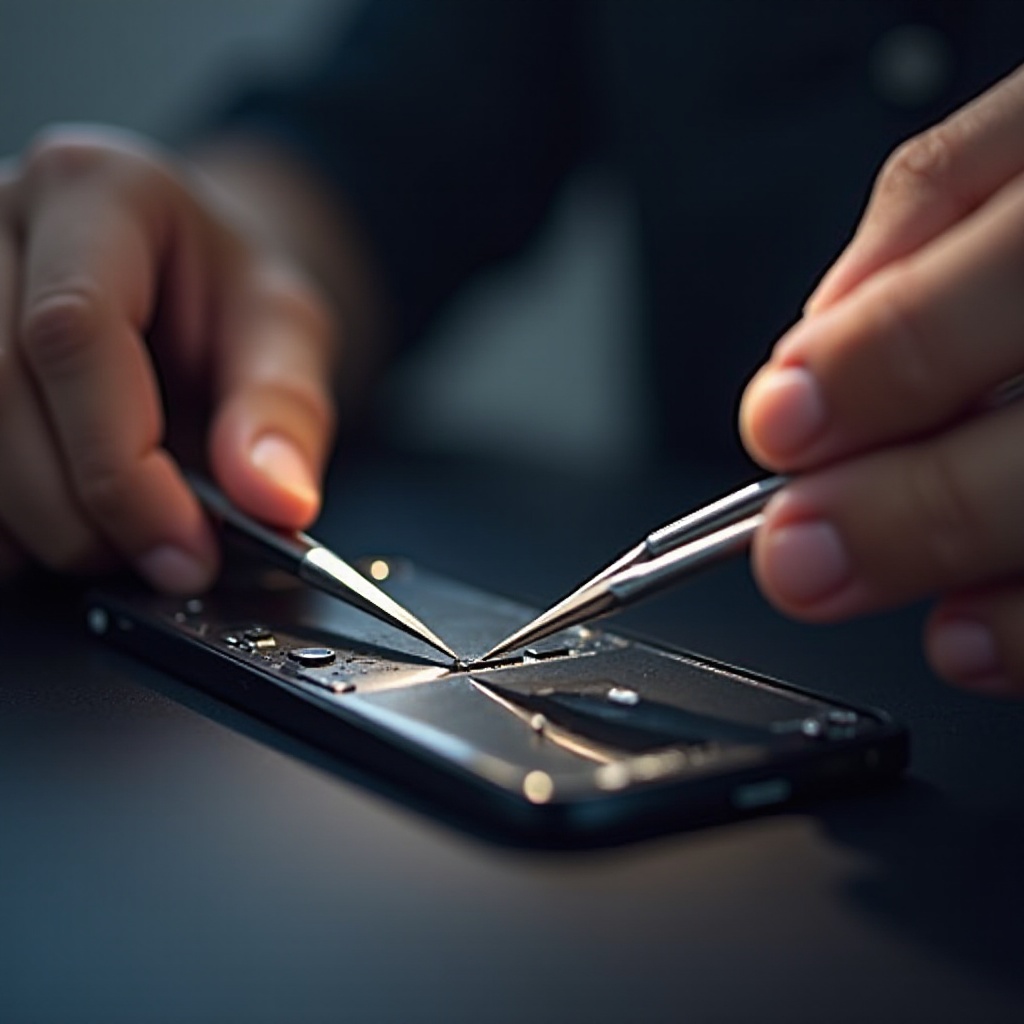
Gather precision screwdrivers, plastic opening tools, and an anti-static mat before starting.
-
Guide to Replacing the Lock Button:
- Power down the phone and unscrew the bolts near the charging port.
- Use a suction cup and an opening tool to gently separate the screen.
- Locate and replace the lock button assembly, ensuring all cables are reconnected before reassembling the phone.
Advanced repairs carry risks, and if you’re unsure, seeking professional help is advisable.
Knowing When to Seek Professional Help
When all DIY efforts fail, or if you prefer not to risk further damage, consulting a professional is wise. Apple-certified technicians guarantee a proper fix, preserve your device warranty, and provide quality service. This option is particularly beneficial if the phone is under warranty or when advanced repairs seem daunting.
Maintenance Tips to Prevent Future Issues
Preventive maintenance can keep future issues at bay:
– Regularly clean your iPhone, ensuring dust does not accumulate.
– Avoid pressing buttons with great force.
– Choose phone cases that do not obstruct button operation.
Incorporating these habits extends the life of your iPhone’s hardware, ensuring smooth operation of the lock button and other components.
Conclusion
Fixing a malfunctioning lock button involves starting with simple troubleshooting, advancing to DIY fixes, and possibly seeking professional repairs. By accurately diagnosing the issue and choosing the appropriate solution, you can restore your iPhone’s functionality efficiently. Remember, prevention through regular maintenance is essential to avoid similar problems in the future.
Frequently Asked Questions
What should I do if my lock button is stuck?
If your lock button is stuck, clean around it with a dry cloth or isopropyl alcohol. If unresponsive, use AssistiveTouch as a temporary fix.
Can I use my iPhone without a functioning lock button?
Yes, you can use AssistiveTouch to lock your iPhone and access other features if your physical lock button is malfunctioning.
How much does it cost to repair an iPhone lock button?
Repair costs vary by model and location, generally ranging from $50 to $150. Check with authorized service providers for precise pricing.