8 May 2026
Post by Callie
Introduction
Dealing with an LG TV that blinks its red light three times is a common issue that signals an internal problem. Addressing this promptly is critical to prevent further complications. Understanding why this occurs can help mitigate frustration and identify the correct solutions. This comprehensive guide provides step-by-step advice for diagnosing and fixing the red light blinking error, ensuring your TV returns to optimal working condition.
Understanding the Red Light Blinking Error
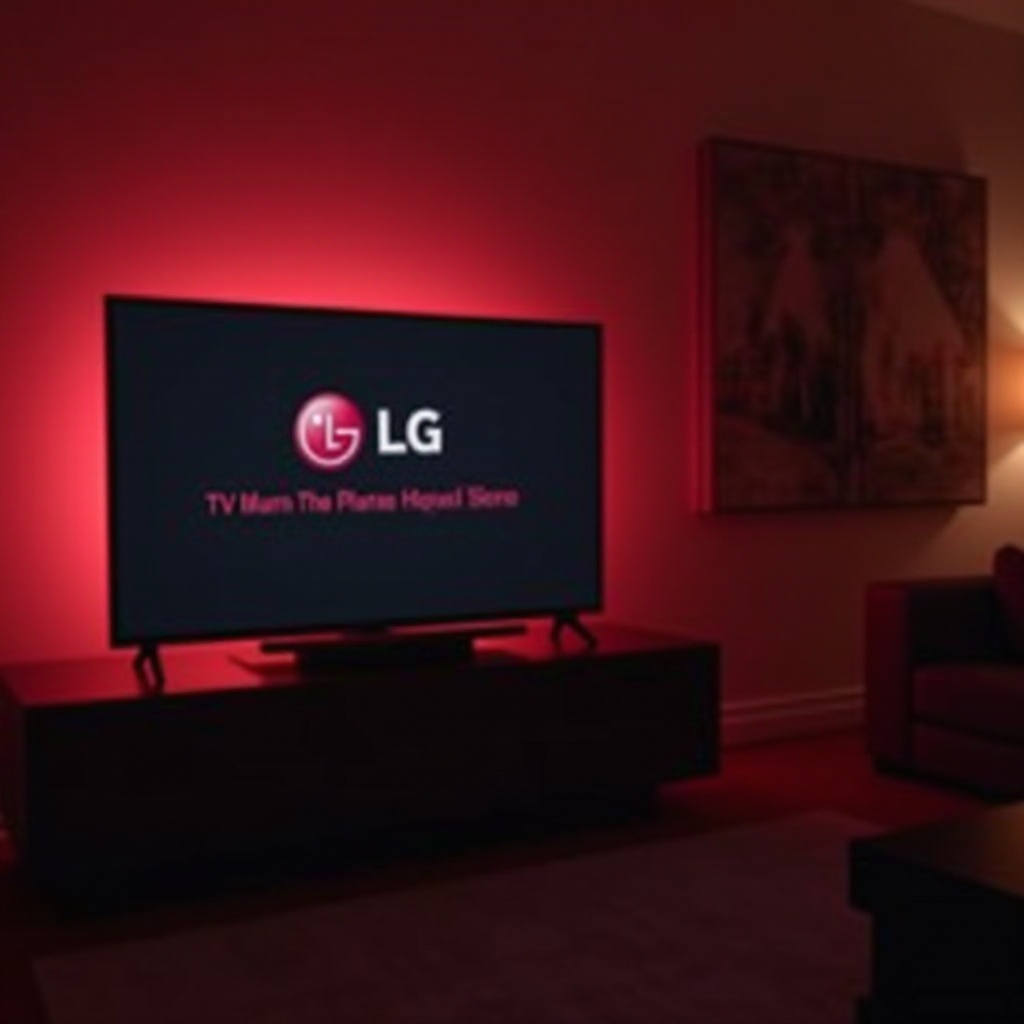
When you see your LG TV’s red light blinking three times, it could mean a range of issues, often related to power or internal circuitry malfunctions. Knowing the common causes will help you tackle the problem efficiently.
-
What Does the Red Light Blinking 3 Times Mean? This specific blinking pattern often indicates issues with the TV’s power supply or internal components. It’s a signal that requires attention, implying some aspect of the TV’s operation isn’t functioning correctly.
-
Common Causes Behind the Error Various factors could lead to this error, such as problems within the electrical setup or defective internal components. Understanding these reasons is vital to selecting the correct troubleshooting path. With this knowledge, you can apply targeted solutions.
The insights gained here are essential as you transition to practical steps that can resolve the issue.
Initial Troubleshooting Steps
Before exploring more advanced fixes, try simple solutions that can often remedy the problem promptly.
-
Ensure Connections Are Secure Check if the power cables are firmly connected to both the TV and the power outlet. An insecure connection can interrupt power flow and trigger blinking.
-
Test the Power Source Verify the wall outlet’s functionality by plugging in another device. A faulty outlet can lead to power supply interruptions, causing the red light to blink.
-
Conduct a Soft Reset Turn off your TV using the remote, unplug it, and wait for about a minute. This brief interval allows the device to reset. Plug it back in and turn it on to check if the issue persists.
These initial steps could resolve the blinking issue without needing deeper intervention. If it continues, consider the following advanced techniques.
Advanced Troubleshooting Techniques
More serious problems may require you to delve into your TV’s internal workings.
-
Inspect the Power Supply Board If you feel safe doing so, remove your TV’s back panel and check for visible damages, such as burnt areas on the power supply board. These signs suggest a replacement might be necessary.
-
Examine Internal Components Listen for unusual noises like buzzing or popping, which can indicate failing internal components. If confident, use a multimeter to test for proper voltage and current within the circuits.
Approaching these tasks with caution is crucial, as mishandling internal components can worsen the issue. If uncertain, advancing to professional repair options can be more prudent.
When to Seek Professional Help
Despite following extensive troubleshooting steps, sometimes an expert’s touch is needed.
-
Signs That Indicate Professional Intervention Persistent blinking after home-led attempts typically requires professional repair. Accessing intricate internal faults demands expert skills.
-
Locating Authorized LG Service Centers Consult the LG website for a list of authorized service providers. Professional technicians are equipped with tools and knowledge to address your TV’s condition effectively.
Knowing when to hand over repairs to professionals is vital for preventing irreversible damage. With this in mind, let’s explore how to prevent similar issues from occurring in the future.
Preventative Measures to Avoid Future Issues
Taking precautions can safeguard your LG TV and preserve its performance over the long run.
-
Regular Maintenance Guide Dust accumulation can hinder performance, so regularly clean your TV and ensure it’s placed in a well-ventilated environment. Update its software periodically, as updates can enhance operating efficiency and resolve known bugs.
-
Utilize Surge Protectors Power surges can damage your TV’s circuitry. A surge protector minimizes this risk and should be part of your setup if not already.
Preventative actions will not only protect against the blinking red light issue but also extend your TV’s lifespan. Taking proactive steps today safeguards against problems tomorrow.
Conclusion
In summary, a red-light blinking on your LG TV is an alert not to be ignored. Following the outlined steps can identify and resolve various potential issues. However, don’t hesitate to consult professional help if needed. Regular maintenance and proper care contribute significantly to preventing future issues. By understanding your device’s signals, you can ensure its longevity and performance, keeping your viewing experience seamless and enjoyable.
Frequently Asked Questions
Why is my LG TV blinking red 3 times?
The red light blinking three times usually points to issues with the power supply or internal circuitry, which need to be addressed to restore proper functionality.
Can I fix the red light blinking issue myself?
Yes, many issues can be resolved through initial troubleshooting and advanced methods, but persistent problems may require professional assistance.
How much does it cost to repair an LG TV with this problem?
Repair costs vary based on the severity of the issue and location. Consulting with an authorized LG repair technician offers a precise estimate.