15 May 2026
Post by Callie
Introduction
The PlayStation 4 (PS4) has become a staple in the gaming world due to its powerful features and expansive game library. Whether you’re setting up your PS4 for the first time or troubleshooting, one essential but sometimes perplexing task is locating the power button. This guide removes any guesswork by showing you where the power button is located on each PS4 model: Original, Slim, and Pro. By understanding these different designs, you will ensure a seamless and frustration-free gaming experience.
Understanding the PS4 Console Layout
Before diving into specifics about the power button, it’s useful to have an overview of the PS4 models and their designs.
Overview of Different PS4 Models (Original, Slim, Pro)
The PS4 family includes three primary models, each with specific characteristics. The Original PS4, introduced in 2013, displays a distinct angular design that set the standard for modern gaming consoles. In contrast, the PS4 Slim presents a more compact form, reducing bulk without compromising power. Meanwhile, the PS4 Pro caters to enthusiasts who demand enhanced performance and graphics, offering superior resolution and processing abilities.
Key Design Features and Ports
Each model showcases unique designs with varying placements of USB slots, HDMI, and Ethernet ports. This attention to detail assists players in identifying their specific PS4 model, aiding in the quick location of the power button. Familiarizing yourself with these details can improve your console navigation experience, thus recognizing the power button becomes a simple task.
Locating the Power Button on PS4
Armed with a deeper understanding of each model’s layout, you can pinpoint the power button’s location quickly.
Finding the Power Button on the PS4 Original
When handling the Original PS4, look for a narrow slit on the console’s front face, slightly to the right. This touch-sensitive slit serves as the power button. Unlike mechanical buttons, it doesn’t depress, so a gentle tap will suffice to activate the console.
Identifying the Power Button on the PS4 Slim
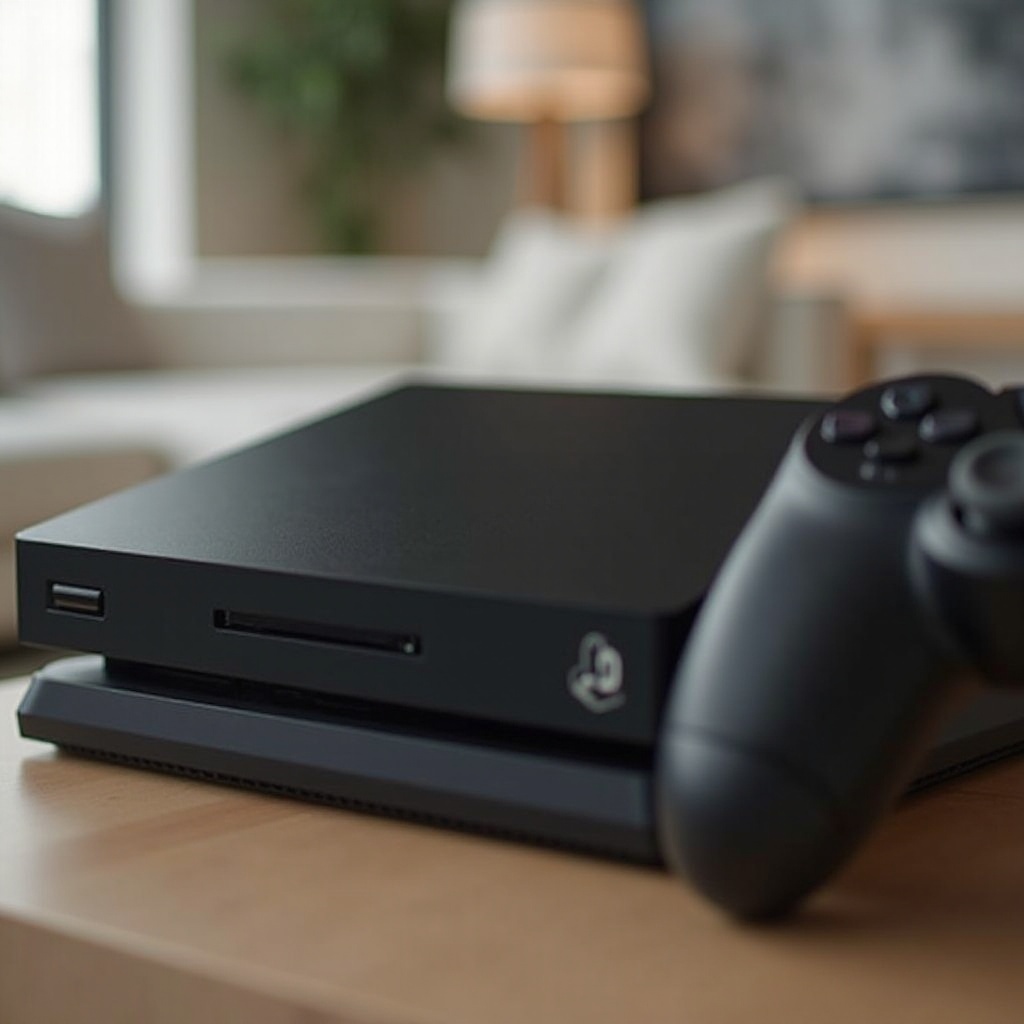
The PS4 Slim introduces a physical and tactile power button, located on the lower half of the front panel, near the eject button. This button bears the iconic PlayStation symbol, simplifying the startup process with a straightforward press.
Discovering the Power Button on the PS4 Pro
With the PS4 Pro, the power button is nestled on the lower front section. It’s similar to the Slim, featuring a prominent, pressable button. The Pro’s design prioritizes accessibility, ensuring that quick power-ups are always within reach, allowing gamers to dive into the action without delay.
How to Properly Use the Power Button
Having located the power button, knowing its correct operation is crucial for console longevity.
Turning On and Off the Console Correctly
- To turn the console on, briefly press the power button. A single beep will confirm activation.
- To power down, press and hold the power button for seven seconds until you hear a second beep, signaling a safe shutdown.
Using the Controller for Power Functions
Controllers provide an alternative way to manage your PS4’s power.
1. To turn on your PS4, simply press the PS button on a connected DualShock controller.
2. To power off or enter Rest Mode, press and hold the PS button. Open the control panel, then select your desired power option for a seamless process.
Exploring PS4 Power Options
Understanding different power modes optimizes your PS4’s functionality and energy efficiency.
Rest Mode: What It Is and When to Use It
Rest Mode is a valuable feature when a short break from gaming is needed. It places the PS4 on standby, allowing for quick reactivation, background updates, and controller charging. This option is convenient when you anticipate returning to your game shortly.
Safely Shutting Down Your PS4
For optimum system health, consistently shut down your PS4 via the power settings or button. This avoids potential data loss and hardware complications, ensuring a durable, responsive console ready for the next session.
Common Power Button Issues and Solutions
Occasionally, your power button might not function as expected, but don’t worry, straightforward fixes exist.
Troubleshooting a Non-Responsive Power Button
- Ensure the button area is free from obstructions that might hinder its movement.
- Gently clean the button surface with a soft cloth to remove any dust or residue that might be affecting its sensitivity.
Fixing Power Supply Related Problems
- Confirm that the power outlet is functional by testing it with another device.
- Examine the power cord for any signs of damage. If it’s worn or torn, replacing it promptly with a compatible cord is advisable.
Conclusion
The power button marks the beginning of your gaming escapades, making it crucial to know its location and functionality on each PS4 model. Equipped with this knowledge, you can confidently address any related issues, ensuring a smooth gaming experience. Whether switching on or powering down, this guide will enhance your confidence and enjoyment in using your PS4 and keep your console running smoothly for years to come.
Frequently Asked Questions
Can the PS4 be turned on without using the power button?
Yes, you can turn on the PS4 by pressing the PS button on a connected DualShock controller.
How do I know if my PS4 is in Rest Mode?
In Rest Mode, the console’s power light will glow orange, indicating it’s in standby but still operational.
What should I do if my PS4 power button is stuck?
First, check for visible obstructions. If none exist, use a soft-bristled brush to dislodge dust or debris around the button.